How to save HTML code to email in Gmail
Gmail has no HTML source mode. Insert a rendered email with html2email instead of attaching a .html file.
September 23, 2026
Helpful articles and guides on creating HTML emails, signatures, and templates for Gmail, Yahoo, Mail.ru, and Yandex Mail.
Gmail has no HTML source mode. Insert a rendered email with html2email instead of attaching a .html file.
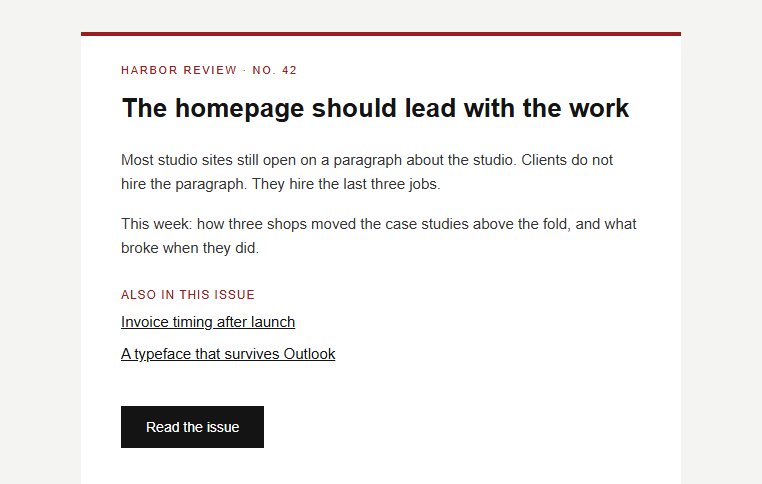
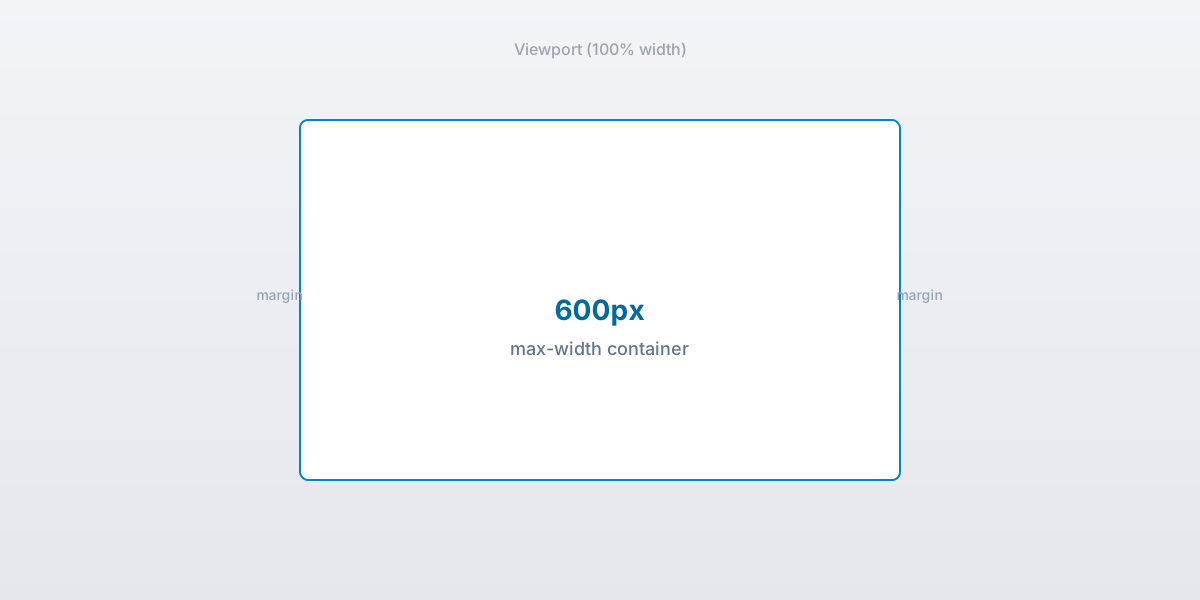
Tables, inline CSS, and a 600px container. What an HTML email template is, plus free examples.
Stack columns on mobile with tables and a media query. What Outlook ignores, and the pattern that holds.
Turn on HTML compose in classic Outlook, save a template, and why html2email does not insert into Outlook.
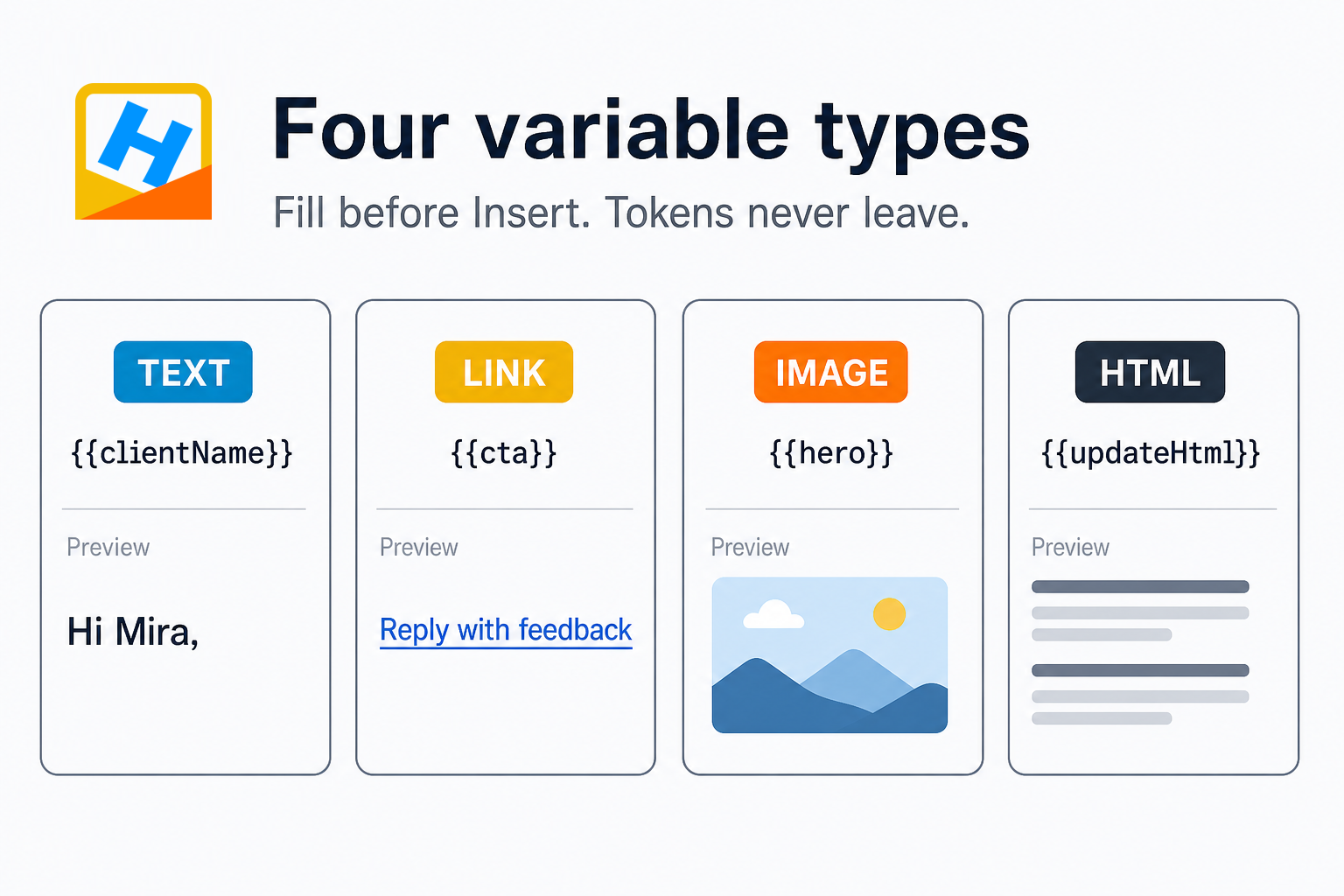
Reuse one template per client. Fill names, links, and images from Preview. Tokens never leave html2email.
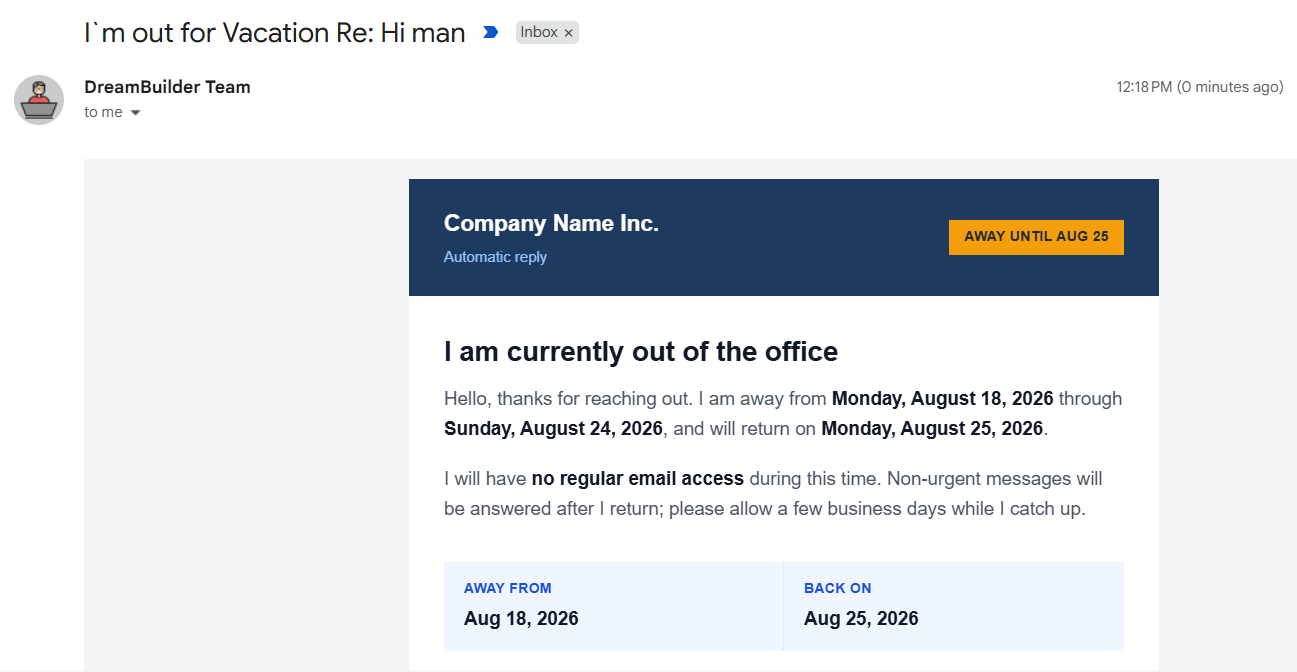
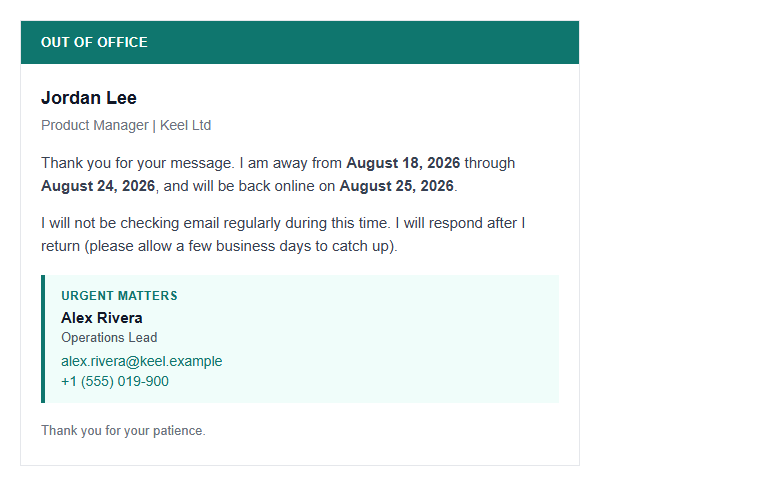
Set a branded HTML Vacation responder with html2email’s </> button in Gmail Settings. Dates, template, Save Changes.
Learn what an HTML email preheader is, why it increases open rates, and how to add hidden preview text using code. Plus, how to validate it automatically.

Learn how to create professional HTML email signatures in Gmail and Yahoo Mail in under 2 minutes. Free templates, no coding required. Get started today!
Keep emails in standards mode with the correct doctype and avoid quirks that break widths and fonts.
Stop mojibake and mobile zoom-out with UTF-8 and a safe viewport tag at the top of your email head.
Prevent broken layouts from missing table tags and catch errors before sending.
Apply border, cellpadding, cellspacing, and role to keep layouts tight and accessible.
Choose stable container widths, center them, and avoid horizontal scroll on mobile.
Swap flex/grid for table layouts to keep Outlook stable and mobile-friendly.
Write concise ALT text to keep meaning when images are blocked and improve accessibility.
Prevent layout shifts by declaring dimensions and border="0" on every email image.
Block-level images eliminate ghost spacing and keep banners flush with their containers.
Use https links, avoid empty hrefs, and keep tracking clean to protect clicks.
Inline critical CSS to survive Gmail and Outlook; avoid external stylesheets.
See which CSS properties break in Outlook and what table-safe alternatives to use.
Use px and % for predictable sizing; avoid rem/em/vw for layout in Outlook.
Avoid Gmail clipping by trimming markup, minifying safely, and deduplicating inline styles.
Wrap max-width content in conditional phantom tables so Outlook respects your layout.